

What is a source for a line?
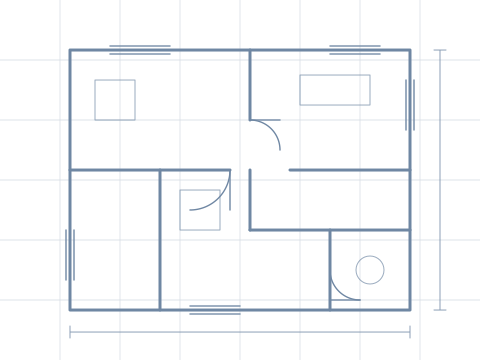
In BOQIFY, every line has a confidence tier and its source: the sheet, the layer and the entity. You can return to the relevant place in the plan and understand what supports the line. The source does not replace professional judgement; it gives the reviewer a clear place to start.
Start where attention is needed
Not every line needs the same review. The confidence tier helps you decide where to look first, while the source lets you perform that check without searching the whole plan set again.
- Check that the described work belongs to the area or element named by the source.
- Compare the unit and quantity with what appears in the plan or schedule.
- Spend more time on lines whose source is partial or whose information needs completing.
- Record a decision or correction instead of leaving an unexplained gap.
Context matters as much as the number
The same quantity can mean something different depending on the sheet, layer and entity behind it. Connecting the line to its source helps distinguish work supported by the plans from information that still needs clarification, and reduces the chance that a plausible-looking line remains without a basis you can check.
What if something does not match?
Return to the source, check whether a document or detail is missing, and update the line according to the professional decision. The BOQ goes to you for approval, and you can edit any line and check its source. The review is not hidden behind the result; the information stays visible so you can decide.
The approved version becomes a reference point
After approval, the approved version is frozen with a digital fingerprint. If a question comes up later, you can return to that version and the source of each line instead of trying to reconstruct which plans and measurements supported the decision.
Want to see the source inside the BOQ?
BOQIFY prepares a bill of quantities with a confidence tier and a source for every line, then sends it to you for approval. Talk to us and we will show you how this looks on your plans.