
BOQIFY for architects: a BOQ from the plans you already have
BOQIFY is AI for architects. It reads your studio's plan files and prepares a BOQ from them, with a source for every line.
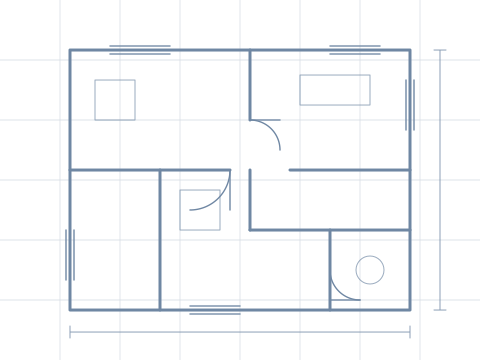

| Item and source | Quantity |
|---|---|
| WallSheet A-101, layer A-WALL | 324.5 m² |
| DoorsSheet A-101, layer A-DOOR | 18 pcs |
| ConcreteSheet S-201, layer S-CONC | 42.3 m³ |
From your drawings to a BOQ
What you do today
- You measure and count from the drawings, often in a spreadsheet.
- When the design changes, you check the numbers again.
- You prepare the bill of quantities and the estimate next to your design work.
What BOQIFY prepares for you
- Quantities measured and counted from your plan files, with a confidence tier and a source for every line.
- Support for revisions, with an explanation of what changed from one revision to the next: how much the total changed and what caused the difference.
- A first estimate and a priced version, using your studio's own price history or from other sources. Contact us to discover all the options.
Fits the way a studio works
-
Revit and IFC
Export an IFC file from Revit (recommended). You can also use an RVT file through your studio's own Autodesk account.
-
DWG and DXF
Use the CAD drawings you already have. Vector PDF works too.
-
It learns your studio
BOQIFY learns your studio profile, and your corrections improve later BOQs.
Results your studio can use
An architecture studio can keep working in Excel, or print the BOQ as an A4 PDF.
- Excel (.xlsx), including your own Excel file, annotated in place
- A printable A4 PDF in Hebrew (right to left)
- CSV and JSON
- A priced version
The BOQ goes to you for approval
Every line has a confidence tier and its source: the sheet, the layer and the entity. After approval, the version is frozen with a digital fingerprint.
Talk to us about your studio
Book a demo and see how BOQIFY works with plans like yours.