
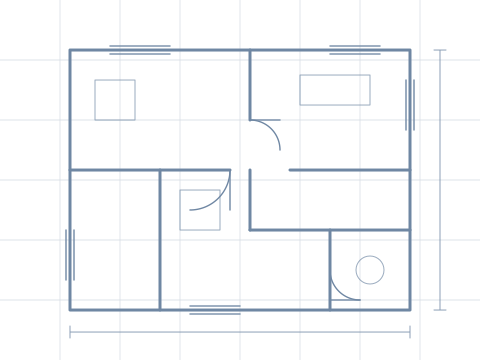

A quantity takeoff workflow starts with revision and scope
Fix the revision and included sheets, areas and disciplines. Record missing documents and exclusions.
Record four decisions before work begins
Give every participant the same starting point:
- The plan revision.
- The included scope.
- The deliverable and approver.
- Visible gaps and limitations.
Keep the source with the quantity
Every line shows a confidence tier, sheet, layer and entity. The reviewer can return to the plan, check the quantity and edit it.
Focus review where attention is needed
The confidence tier helps the team decide where to look first, while missing information stays visible.
Approve one reference version
The BOQ goes to you for approval, and every line can be edited and checked. Approval freezes a reference version with a digital fingerprint.
The next revision does not start from zero
Use the approved BOQ as the baseline. Added, removed and changed lines can explain the cost difference between revisions.
How do you test whether the workflow fits your team?
Founding Partners includes a paid pilot lasting 3 to 6 weeks, measured against an existing BOQ. Talk to us.